
How to Apply for MEPCO New Meter – Complete Step-by-Step Guide
Introduction
Getting a new electricity connection is now much easier than before. If you have recently built a new house, opened a shop, or moved to a new location, you may need a MEPCO new meter connection. Many users in Pakistan search for how to apply for MEPCO new meter because they want a simple and clear process.
The good news is that you can now complete the MEPCO new meter application process online without visiting offices multiple times. Whether you need a single phase or three phase connection, MEPCO provides an organized system for new connections.
In this guide, we’ll explain the complete MEPCO new meter procedure, required documents, fees, tracking process, and useful tips to help you avoid delays.
What is MEPCO New Meter Application?
A MEPCO new meter application is the process of requesting a new electricity connection from MEPCO.
This service is used for:
- New homes
- Shops and businesses
- Offices
- Factories
Quick Answer:
To apply for a MEPCO new meter, fill out the online application form, upload documents, pay the demand notice fee, and wait for installation.
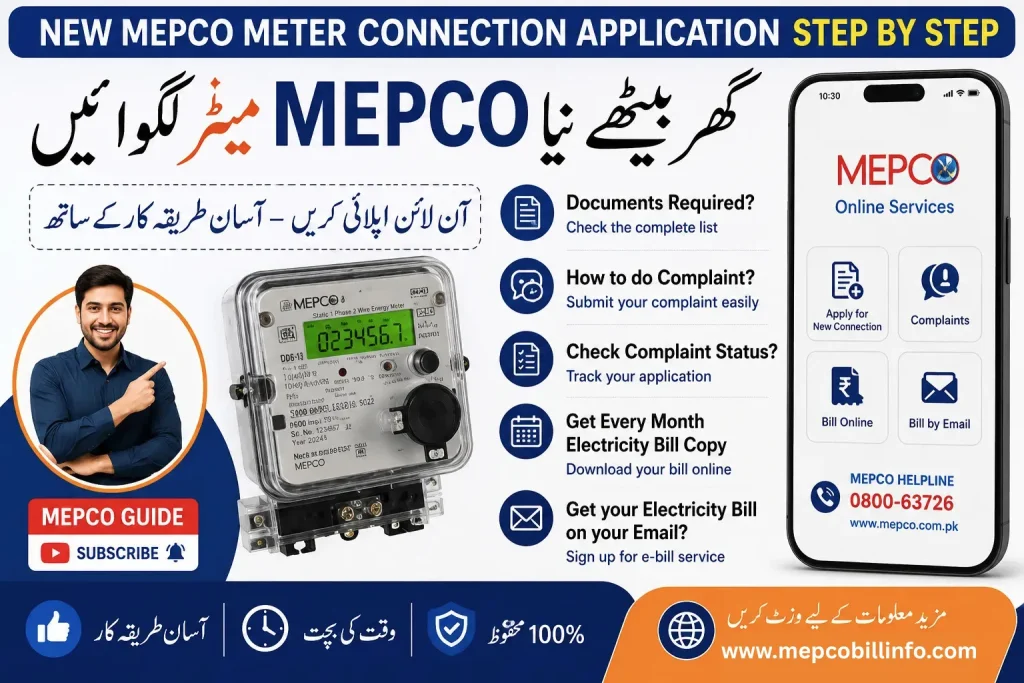
Types of MEPCO New Meter Connections
MEPCO usually offers two main types of connections:
| Connection Type | Usage |
| Single Phase Meter | Homes and small shops |
| Three Phase Meter | Large homes, commercial use, factories |
Choose the connection according to your electricity needs.
Why Apply Online for MEPCO New Meter?
Using the MEPCO meter online apply system offers many benefits:
- Saves time
- Less paperwork
- Easy application tracking
- Faster processing
- Convenient from home
This makes online electricity connection in Pakistan much easier for users.
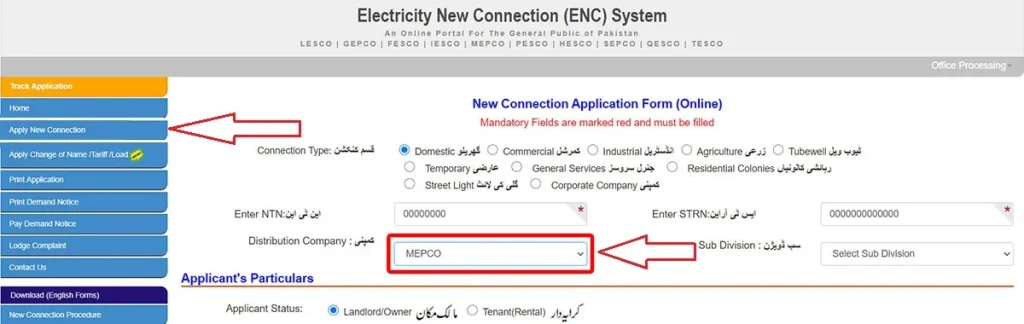
Step-by-Step Guide: How to Apply for MEPCO New Meter
Follow this simple MEPCO new meter procedure:
Step 1: Visit Official Application Portal
Open the official electricity new connection portal.
Step 2: Select Distribution Company
Choose MEPCO from the list.
Step 3: Fill Application Form
Enter your details carefully:
- Applicant name
- CNIC number
- Address
- Mobile number
- Connection type
This is your MEPCO new connection application form.
Step 4: Upload Required Documents
Upload scanned copies of required documents.
Step 5: Submit Application
After checking the details, submit your application online.
Step 6: Receive Tracking ID
You will receive a tracking number for MEPCO connection tracking.
Step 7: Demand Notice Issued
MEPCO will issue a MEPCO demand notice after verification.
Step 8: Pay Demand Notice Fee
Pay the required fee through bank or online payment methods.
Step 9: Meter Installation
After payment verification, the MEPCO meter installation process begins.
Documents Required for MEPCO New Meter
Here are the common MEPCO new meter documents required:
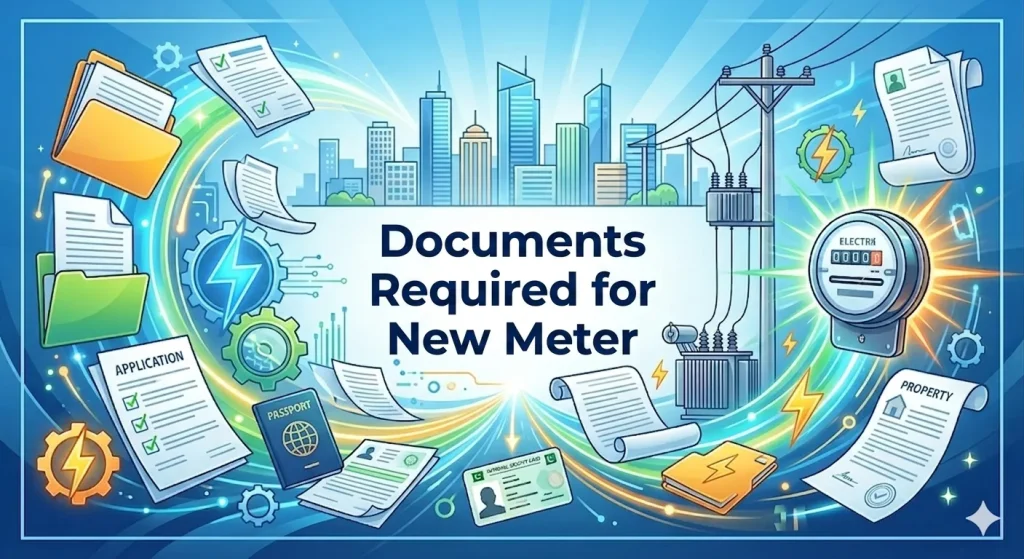
- Copy of CNIC
- Property ownership proof
- Neighbor’s electricity bill copy
- Passport size photograph
- Wiring test report
✔ Tip:
Make sure all documents are clear and valid to avoid delays.
MEPCO New Meter Fee
Many users ask: how much is MEPCO new meter fee?
The fee depends on:
- Connection type
- Area
- Meter load
- Single or three phase connection
Estimated Costs:
| Meter Type | Estimated Fee |
| Single Phase | Lower cost |
| Three Phase | Higher cost |
Actual charges may vary according to MEPCO policy.
How Many Days for MEPCO Meter Installation?
Usually, the process takes:
- A few weeks for normal cases
- Longer if documents are incomplete
Factors Affecting Time:
- Verification process
- Area workload
- Demand notice payment delay
How to Check MEPCO New Connection Status
You can check your MEPCO meter application status online.
Steps:
- Open tracking portal
- Enter tracking ID
- View application progress
This helps you monitor your MEPCO new connection status easily.
Common Problems and Solutions
Here are common issues during application for new electricity meter connection MEPCO:
| Problem | Solution |
| Application rejected | Re-upload documents |
| Demand notice delay | Contact office |
| Incorrect details | Submit correction request |
| Meter installation delay | Track application regularly |
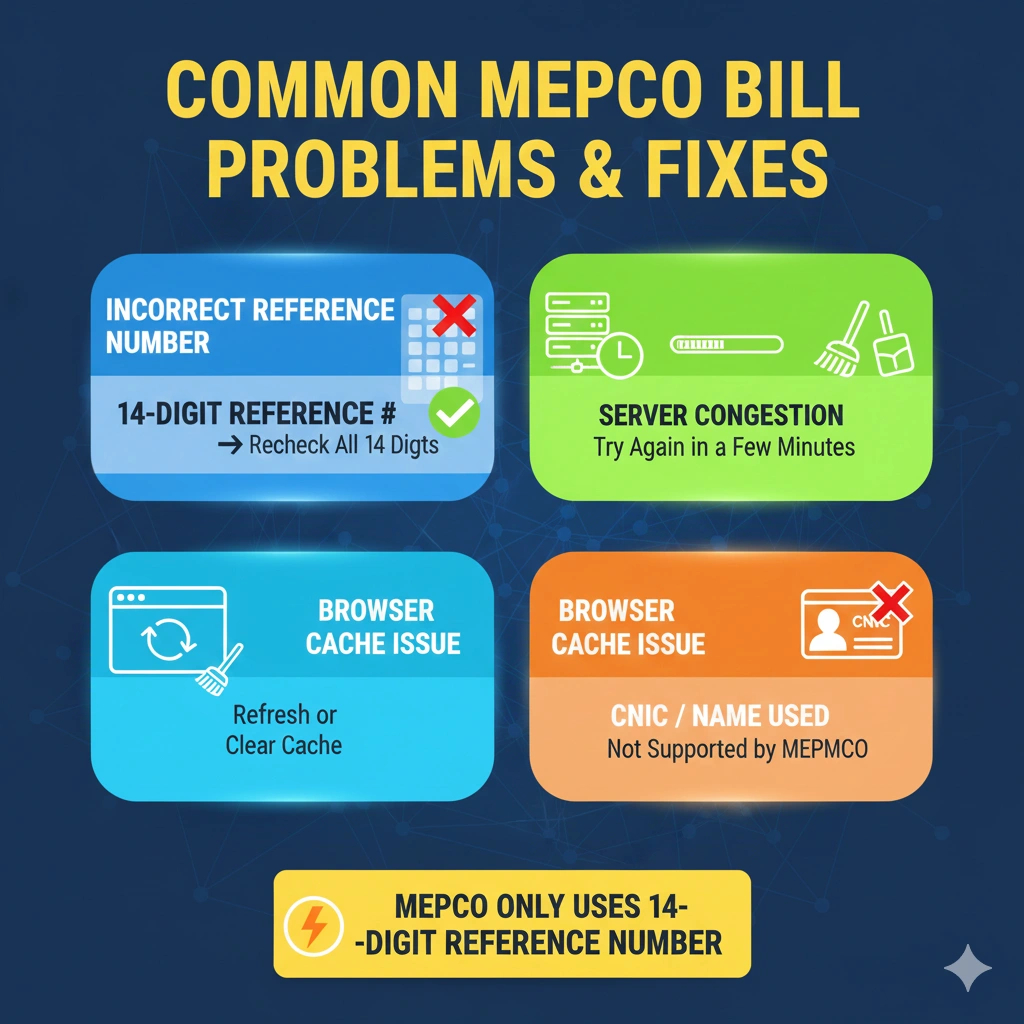
Important Information Users Should Know
Before applying for new meter connection MEPCO, remember:
- Double-check all information
- Keep copies of documents
- Save tracking number
- Pay fee before deadline
Tips for Faster Approval
To speed up your MEPCO new meter application:
- Submit complete documents
- Use correct CNIC details
- Check status regularly
- Respond quickly to verification calls
Frequently Asked Questions (FAQs)
How to apply for MEPCO new meter online?
Fill out the online application form, upload documents, and submit it.
What documents are needed for electricity meter?
CNIC, property proof, neighbor bill copy, and wiring report.
How much is MEPCO new meter fee?
The fee depends on connection type and load.
How many days for MEPCO meter installation?
Usually a few weeks after fee payment.
Can I apply for MEPCO new connection online?
Yes, online application service is available.
What is MEPCO demand notice?
It is a fee challan issued after application approval.
How to check MEPCO connection status?
Use your tracking ID on the online portal.
What is single phase and three phase meter?
Single phase is for normal homes, while three phase is for larger electricity usage.
Conclusion
Now you understand exactly how to apply for MEPCO new meter using the online system. The process is simple if you prepare your documents properly and follow each step carefully.
Whether you need a single phase meter for home or a three phase meter for business, the MEPCO new meter application system makes it easier for users across Pakistan. Always keep your tracking ID safe and regularly check your application status to avoid delays.